Managed or unmanaged switch: which one you need
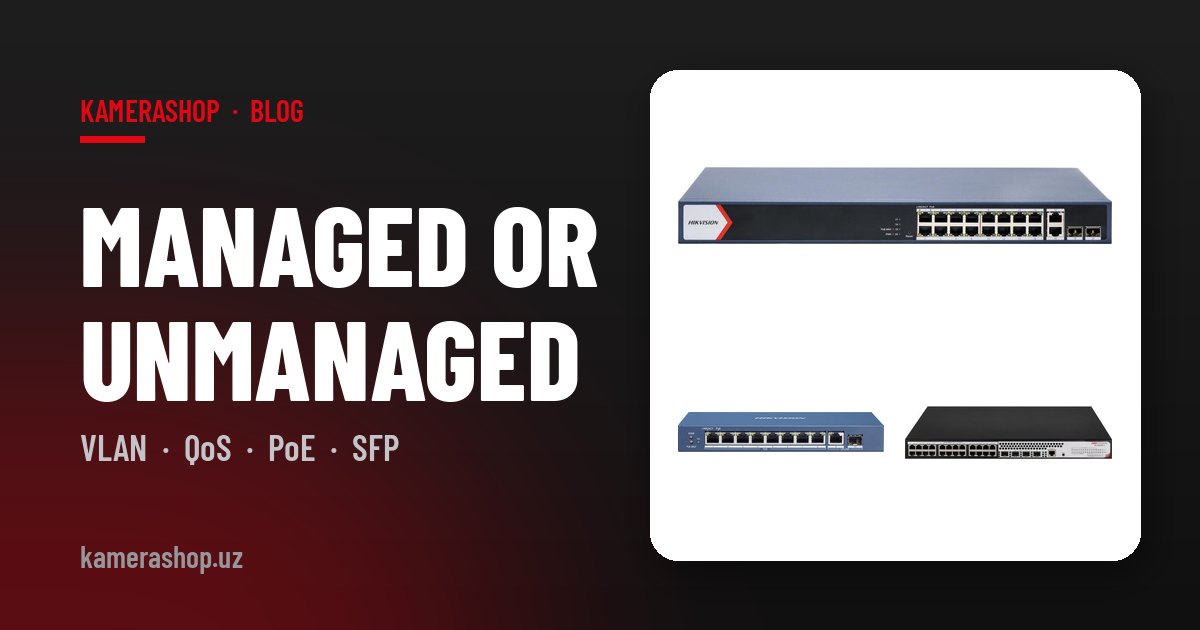
Switch listings use three words: unmanaged, smart and managed. All of them connect devices into one network; the difference is how much control you have over it. Choosing wrong means either paying for features you never use, or running a large site on a network you cannot see into and that keeps "hanging".
Unmanaged switch
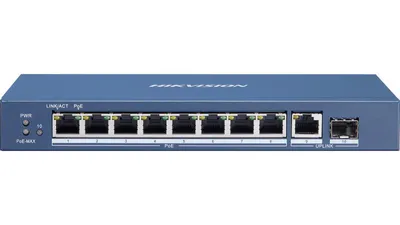
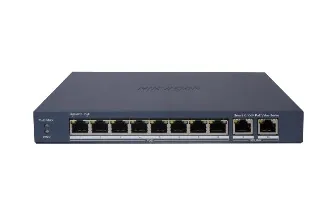
Take it out of the box, plug in the cables — it works. No settings menu, no IP address, nothing to get wrong. For a home, a small shop or a system of 4–8 cameras this is all you need. For example, the DS-3E0510P-E/M is an 8-port gigabit PoE switch and the DS-3E0526P-E/M a 24-port gigabit PoE switch. They connect cameras to the network and power them over PoE.
The downside: you cannot see what is happening. If a camera freezes you cannot reboot it remotely, and if someone plugs in a device that disrupts the network, the switch will not tell you.
Smart switch — the middle ground
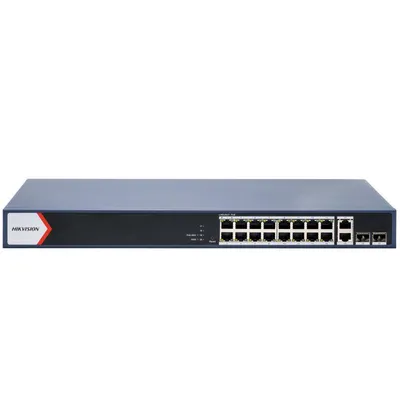
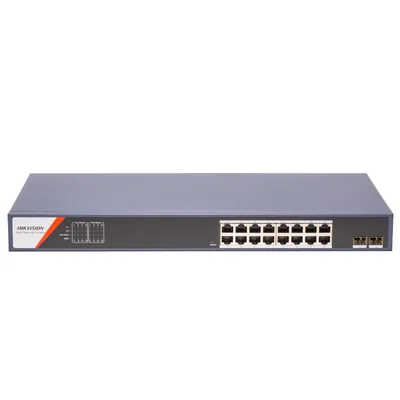
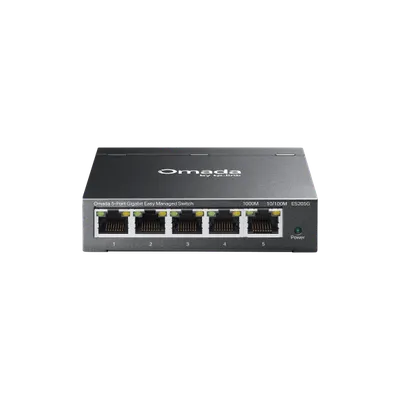
Smart switches (sometimes "easy managed" or "web managed") have a web interface with the most useful settings. Hikvision smart PoE switches include the DS-3E1510P-EI/M (8 ports), DS-3E1520P-EI/M (16 ports) and DS-3E1518P-SI-16P2F (16 ports). TP-Link's equivalent class includes the TP-Link ES205G, a 5-port Easy Managed switch.
What a smart switch adds to a CCTV system:
- PoE control — see how much power each port draws and reboot a frozen camera remotely (or automatically, with PoE Watchdog);
- VLANs and port isolation — keep cameras apart from office computers: malware on a PC cannot reach the cameras, and camera traffic does not slow down office internet;
- Monitoring — see which port is up and which cable is cut without visiting the site.
Fully managed switch
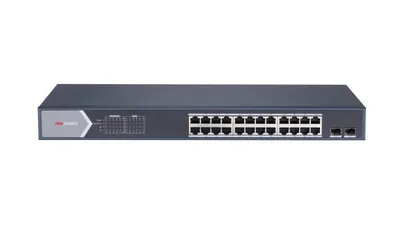
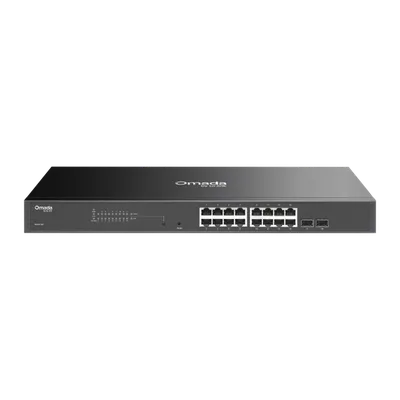
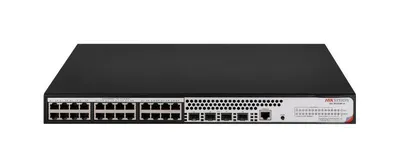
For large companies, multi-storey buildings and networks of several switches. The DS-3E2528P is a 24-port gigabit fully managed PoE switch; from TP-Link there is the TP-Link SG2218P (Omada Access, 18 ports, 16 of them PoE+). On top of smart features they usually offer:
- QoS — priority for important traffic (video, IP telephony);
- IGMP Snooping — multicast video goes only to the ports that need it;
- STP/RSTP and ring topology — if one cable is cut the network keeps running over a backup path;
- LACP — several cables between switches combined into one wider link;
- SNMP, ACLs, command line (CLI) — tools for a network administrator.
Gigabit or Fast Ethernet
The product name says "Gigabit" (1000 Mbps) or "Fast Ethernet" (100 Mbps). A single camera is fine on 100 Mbps — its stream is usually a few Mbps. But the uplink port to the recorder or next switch carries every camera's stream at once, so it should be gigabit. If switches are far apart (over 100 m), choose a model with SFP ports and link them with fibre — see optical modules.
Common mistakes
- Linking two unmanaged switches with two cables. They have no loop protection: a broadcast storm starts and every camera drops. If you need a backup path, use a managed switch with STP/RSTP.
- Leaving a smart switch on its factory password. Change the password and update the firmware when you first connect it.
- Keeping everything on one network. If cameras, PCs and guest Wi-Fi share one network, separating them with VLANs improves both security and speed.
Which to choose
| Site | Recommendation |
|---|---|
| Home, small shop, 4–8 cameras | Unmanaged: DS-3E0510P-E/M |
| Office: cameras and PCs in one building | Smart: DS-3E1510P-EI/M or DS-3E1520P-EI/M |
| Several floors, remote monitoring | Smart: DS-3E1518P-SI-16P2F |
| Enterprise, ring network, many switches | Managed: DS-3E2528P or TP-Link SG2218P |
A simple rule of thumb: one switch that nobody will configure — unmanaged. Cameras and office on one network, or a remote site — smart. A network run by an administrator — managed.
Calculating PoE power and port count: how to choose a PoE switch. All models: unmanaged PoE switches, managed PoE switches, and non-PoE switches. Send us your network layout and we will pick the switches.