Wi-Fi extender, mesh or access point: how to extend coverage
The router is in the living room and Wi-Fi barely works in the bedroom; the camera in the yard keeps dropping out; the warehouse is 300 m from the office and only the office has internet. Each of these has its own fix, and the wrong choice means money spent with no better signal. Here are the four main options.
First: why the signal is weak
Concrete and brick walls, metal doors, glass and mirrors all weaken Wi-Fi. The 5 GHz band is faster but passes through walls less well; 2.4 GHz is slower but reaches further. Before buying an extender, try moving the router to the centre of the home and higher up. If the router is old (Wi-Fi 4), simply replacing it with a Wi-Fi 6 router may help — for example, the Mercusys MR62X (AX1500, Wi-Fi 6).
1. Repeater (Wi-Fi extender) — the simplest fix
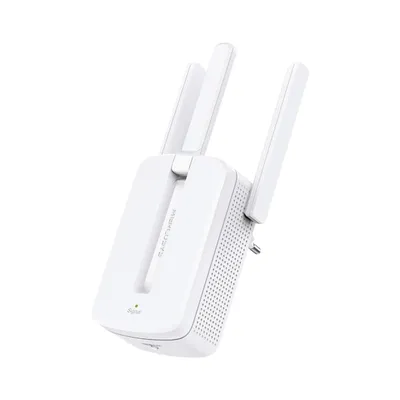
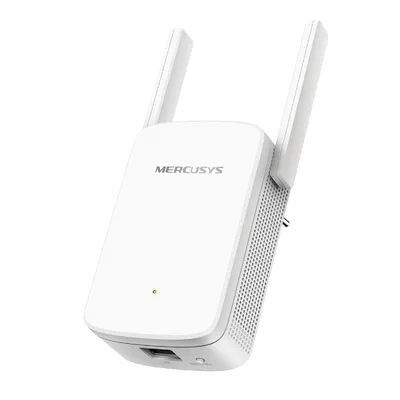
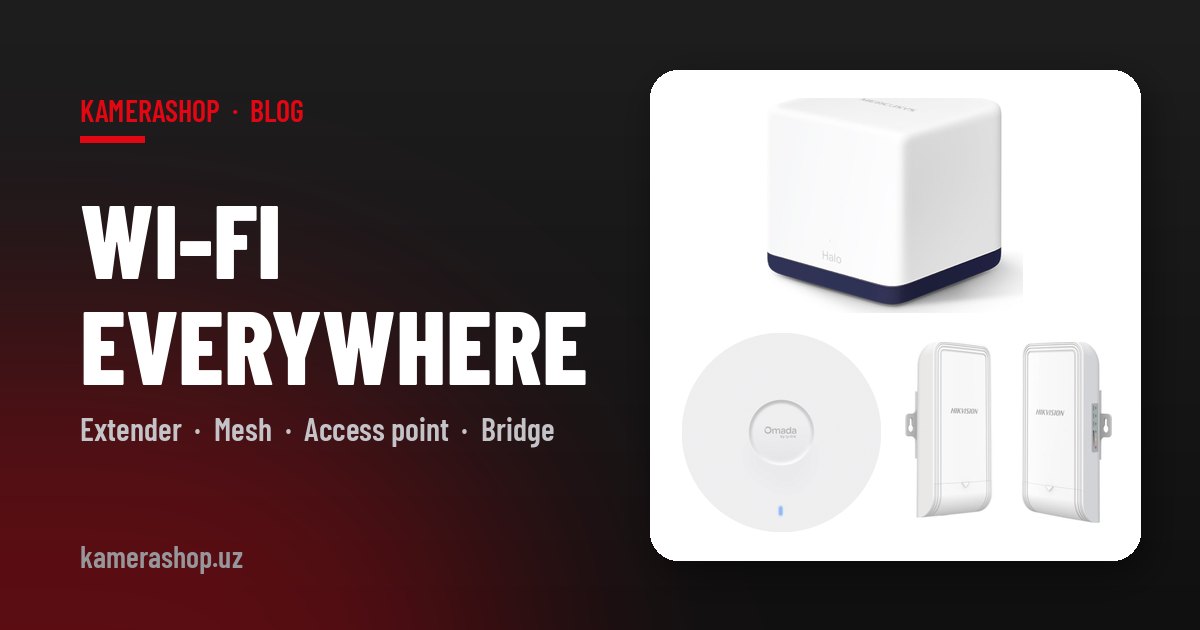
A repeater plugs into a socket, picks up the router's signal and rebroadcasts it. Setup takes a few minutes. The Mercusys MW300RE is a 300 Mbps repeater, 2.4 GHz only; the Mercusys ME30 is AC1200 and dual-band (2.4 and 5 GHz).
Important: place the repeater where the signal is still good — between the router and the dead zone, not inside the dead zone. A single-band repeater receives and transmits on the same channel, so speed drops noticeably. Fine for one room or floor; for a whole house mesh is better.
2. Mesh system — one network for the whole house
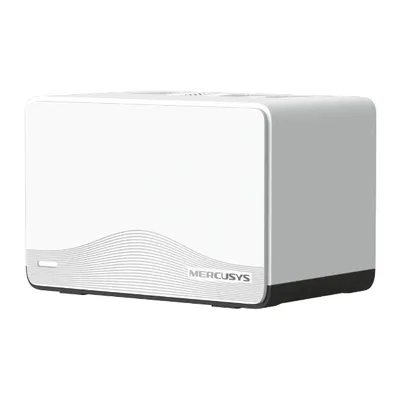
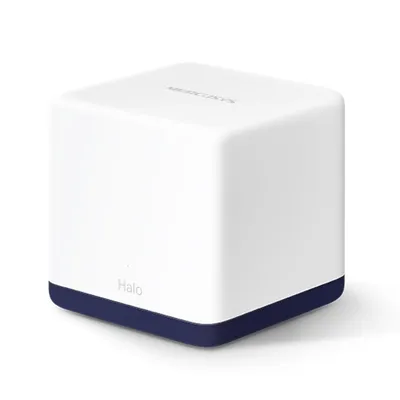
Mesh is a set of identical units that link up automatically and create a single Wi-Fi network with one name throughout the home. As you walk from room to room your phone joins the nearest unit by itself, with no network switching. The Mercusys Halo H50G is an AC1900 mesh system; the Mercusys Halo H27BE is a three-unit BE3600 Wi-Fi 7 mesh system. The most convenient choice for a multi-storey house, a long flat or a small office. If the units can be linked by cable (Ethernet backhaul), speeds are even higher.
3. Access points — for offices, hotels, cafés
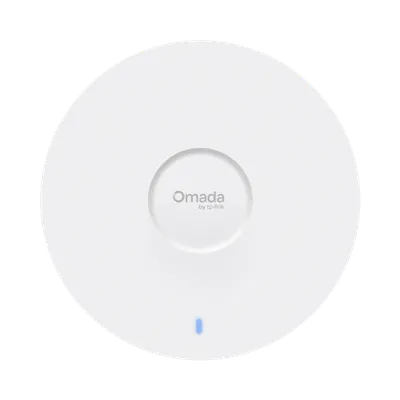
An access point connects to the router by cable, so no speed is lost. It is usually mounted on a ceiling or wall and powered over the cable from a PoE switch. Many access points can be managed from one controller — in TP-Link's case, the Omada system.
- TP-Link EAP670 — AX5400 ceiling-mount Wi-Fi 6 access point;
- TP-Link EAP650-Wall — AX3000 Wi-Fi 6 that fits a wall socket box (for hotel rooms);
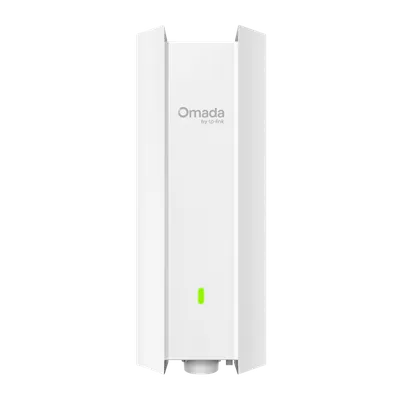
- TP-Link EAP650-Outdoor — AX3000 Wi-Fi 6 for indoor and outdoor use (yards, café terraces);
- DS-3WAP521-SI — Hikvision's in-wall Wi-Fi 5 (1200M) access point.
Where cabling is possible, this is the most stable and fastest option. Choosing a PoE switch: how to choose a PoE switch.
4. Wireless bridge — internet between buildings
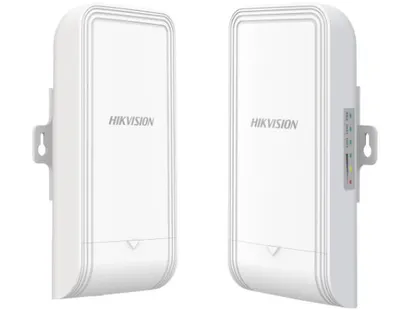
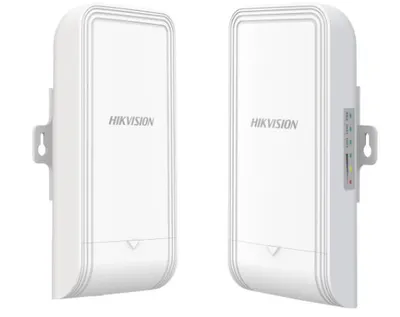
When internet or cameras need to reach another building (a warehouse, a gate, a guard house, a neighbouring workshop), running cable can be expensive or impossible. That is what a wireless bridge is for: two directional antennas aimed at each other create a point-to-point wireless link.
- DS-3WF1000-EI-2N/P — 2.4 GHz, 300 Mbps, up to 1 km;
- DS-3WF3000-EI-5AC/P — 5 GHz, 867 Mbps, up to 3 km;
- DS-3WF02-5AC/D — 5 GHz, 867 Mbps, up to 5 km.
The key requirement is line of sight: no buildings, trees or hills between the antennas. A bridge can connect warehouse cameras to a recorder in the office. There is also a dedicated kit for a camera in a lift car: the DS-3WF01C-2N, a 2.4 GHz elevator wireless CPE with a range up to 500 m.
Which to choose
| Situation | Solution |
|---|---|
| Weak signal in one room | Repeater: Mercusys ME30 |
| Large house, several floors | Mesh: Halo H50G or Halo H27BE |
| Office, hotel, café | Access points: TP-Link EAP670, EAP650-Wall |
| Yard, outdoor area | TP-Link EAP650-Outdoor |
| Another building, 1–5 km | Wireless bridge: DS-3WF1000-EI-2N/P, DS-3WF3000-EI-5AC/P |
The same rule applies to Wi-Fi cameras: if the signal is unstable where the camera sits, fix the network first — see Wi-Fi camera or IP camera. All models: Wi-Fi extenders, Wi-Fi access points, Wi-Fi routers. Send us a plan of your home or office and we will suggest what to put where.