4G cameras: CCTV where there is no internet or mains power
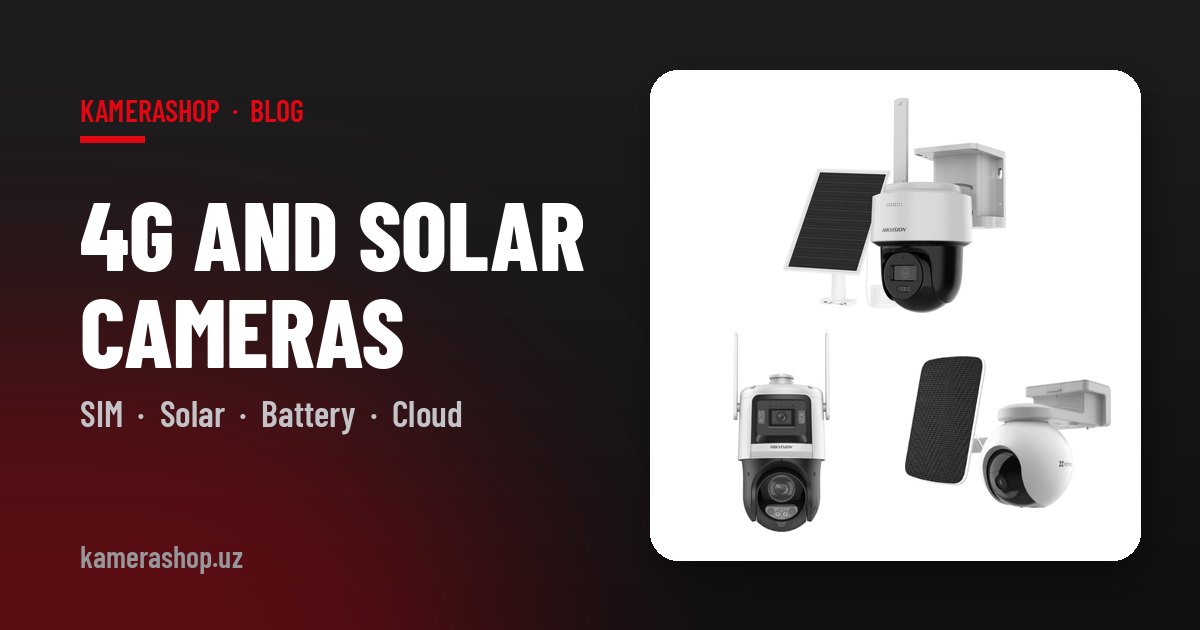
A regular IP camera needs two things: internet (cable or Wi-Fi) and power. Country houses, building sites, farms, orchards and out-of-town warehouses often lack one or both. That is what 4G cameras are for: they work over a mobile operator's SIM card and, if needed, run on solar power. Below are the three main options and what to look for.
Option 1: power available, no internet — a 4G camera
A SIM card goes into the camera, which sends video over the mobile network. Power comes from a socket or power supply. Examples:
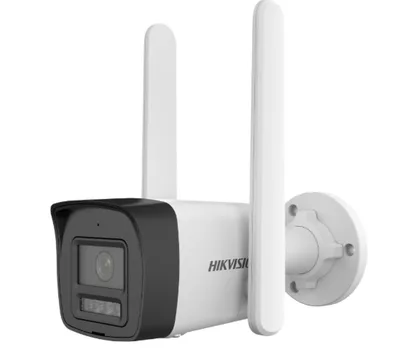
- DS-2CD1043G2-LIDUF/4G/SL — a 4 MP bullet camera with smart hybrid light and, according to its title, universal 4G bands;
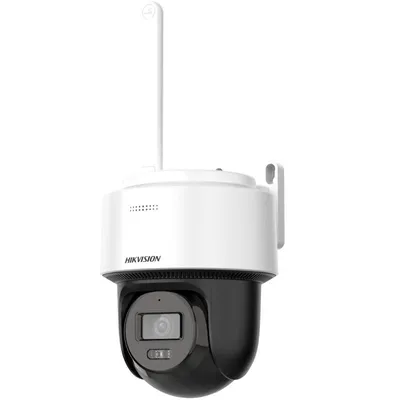
- DS-2DE2C400MWG-4G — a 4 MP outdoor pan-tilt (PT) camera with smart hybrid light and 4G: one camera covers most of a yard;
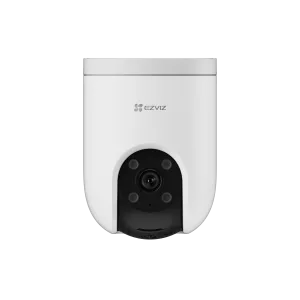
- CS-H8c 4G (3MP) — the 4G version of Ezviz's pan-tilt camera; no Wi-Fi needed, viewed in the Ezviz app.
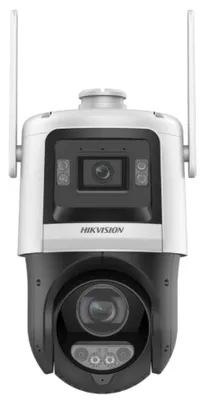
For large areas (car parks, building sites, industrial yards) there is a 4G speed dome: the DS-2SE4C425MWG-4G/14 — TandemVu, 4+4 MP, 25x optical zoom, ColorVu and IR, AcuSense. It has two cameras in one housing: one gives the overview, the other the zoomed view. More on PTZ: what a PTZ camera is.
Option 2: no power and no internet — a solar 4G camera
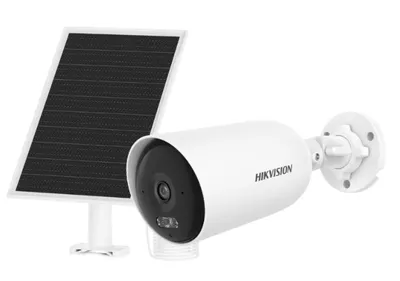
A self-contained kit combines a solar panel, a battery and a 4G camera. The panel charges the battery by day; the camera runs from it at night. Examples:
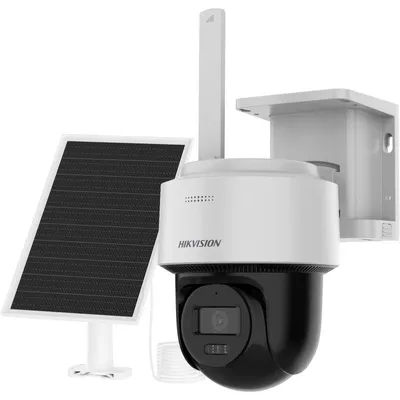
- DS-2CFSP4/4G — 4 MP solar 4G PT camera; "24/7" in its title means it is designed for round-the-clock operation;
- DS-2CFS04/4G — a kit with a 4 MP ColorVu camera and solar panel;
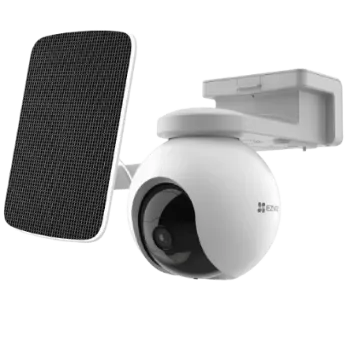
- CS-EB8 4G (3MP) — Ezviz's battery-powered pan-tilt 4G camera.
Mount the panel facing south where no shadow falls, and clean off dust from time to time. Remember that winter days are short and often cloudy: self-powered cameras last longer recording on motion rather than continuously.
Option 3: several cameras — a 4G router
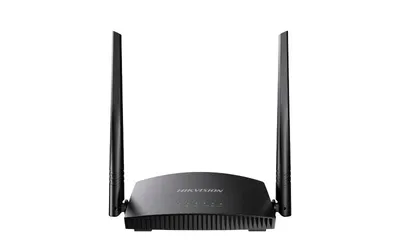
If the site has power but no internet and you need several cameras, there is no need for a SIM in each. Install ordinary IP or Wi-Fi cameras and a recorder, and provide internet through one 4G router, such as the DS-3WR4G3N (300 Mbps 4G LTE Wi-Fi router). Video is recorded to the recorder's drive and the internet is used only for phone viewing, so data use is far lower. Other models: Wi-Fi routers.
Data use: the most common question
A 4G camera's data use depends on its stream and how much you watch. To save data:
- record to the camera's microSD card or a recorder rather than streaming to the cloud non-stop;
- open live view on your phone only when needed and pick the low-quality (sub) stream in the app;
- enable motion-triggered recording and notifications;
- choose an operator plan that suits video (a large allowance or unlimited).
Check the signal before installing
A 4G camera only works where the operator has coverage. Take a phone with a SIM from the same operator to the mounting spot and test the internet speed. If the signal is weak, mount the camera higher or on a more open side. Disable the SIM card's PIN code in advance.
Protection from theft and weather
A self-powered camera usually stands unattended, so mount it out of reach (above 3 m) and fix the solar panel and battery box securely. For outdoor use look for at least IP66 protection. If footage is stored only on the camera's microSD card, a stolen camera takes the archive with it — at important sites enable backup recording to the cloud or a recorder.
Summary
| Situation | Solution |
|---|---|
| Power, no internet, 1–2 cameras | 4G camera: DS-2CD1043G2-LIDUF/4G/SL, DS-2DE2C400MWG-4G |
| No power and no internet | Solar: DS-2CFSP4/4G, DS-2CFS04/4G |
| Several cameras, power available | Ordinary cameras + 4G router DS-3WR4G3N |
| Large area, zoom needed | 4G PTZ DS-2SE4C425MWG-4G/14 |
Wi-Fi vs wired cameras: Wi-Fi camera or IP camera. Setting up phone viewing: how to view cameras on your phone. Tell us where the site is and what needs watching, and we will suggest a setup.