How to view your cameras on your phone: a Hik-Connect guide
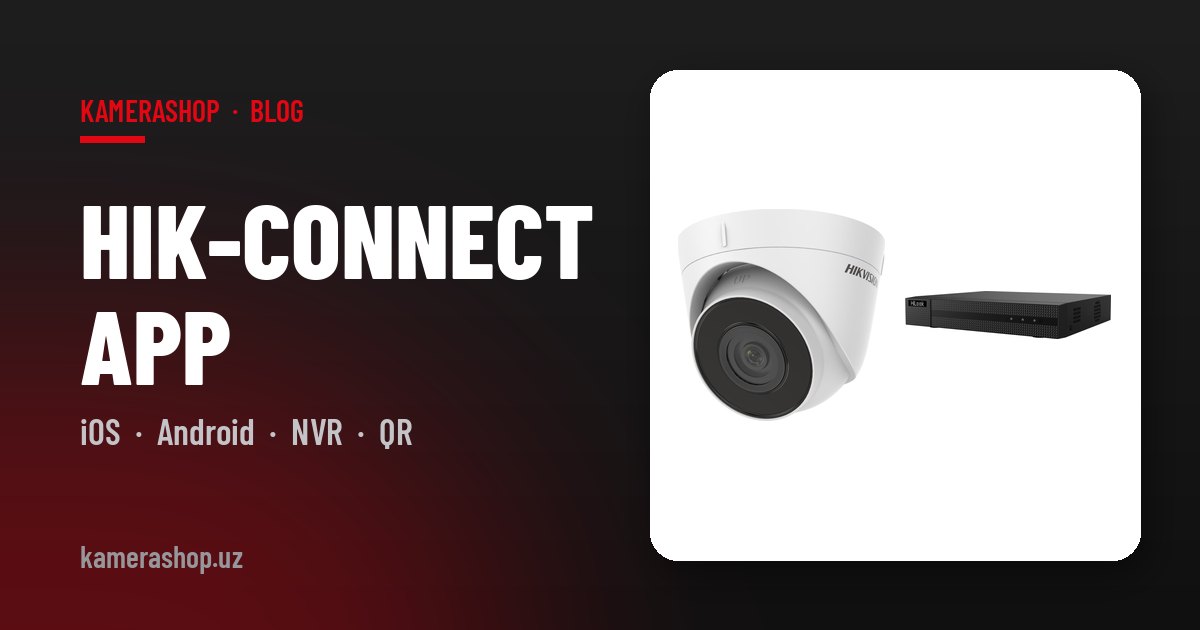
The most convenient part of CCTV is checking your home or shop on your phone from anywhere. Hikvision and HiLook devices use the free Hik-Connect app for this (available on the App Store and Google Play).
What you need
- Internet — the recorder (or camera) is connected to the router by cable.
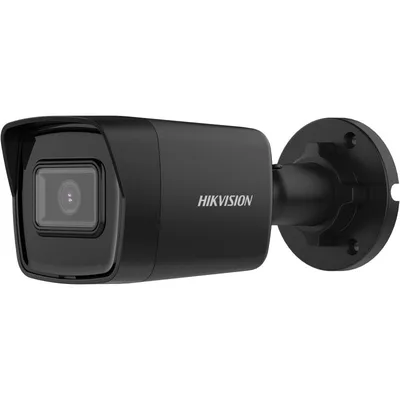
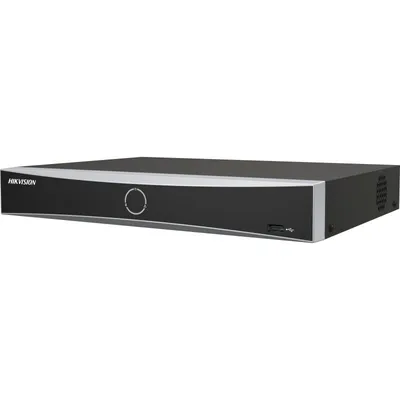
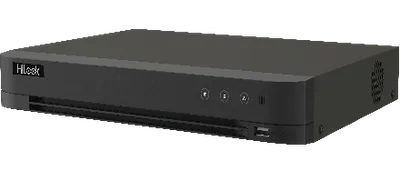
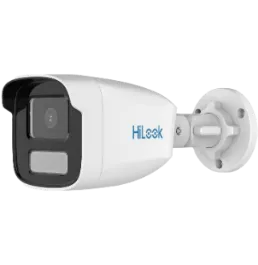
- A recorder or a camera with a memory card. Several cameras go through a recorder, such as the HL-NVR-104MH-K or DS-7604NXI-K1. With a single camera you can skip the recorder: the DS-2CD1F47G3H-LIU records to its own microSD card (up to 512 GB).
- A smartphone with the Hik-Connect app.
How to connect — the general steps
- Connect the recorder to the router and enable the Hik-Connect (Platform Access) service in its menu. The verification code is set or shown there — write it down.
- Install Hik-Connect on your phone and create an account.
- In the app choose "add device" and scan the QR code from the recorder menu or the device label.
- Enter the verification code — your cameras appear.
Menu names vary slightly by model and firmware version. If you buy the equipment from us, we will set it up.
What you can do in the app
- watch all cameras live;
- play back recordings by date and time and save clips to your phone;
- get notifications when motion or a person is detected;
- listen to audio from cameras with a microphone and talk through two-way audio models;
- give access to family members or staff (Share).
Saving mobile data
Phones usually show the sub-stream — a lower-resolution image that uses little data. Switch to full resolution (HD) only when you need it. Bandwidth needs depend on camera resolution — see 2 MP, 4 MP or 8 MP.
Security
- Always change the default password to a strong one.
- Do not share the verification code or account password — give staff limited access via "Share".
- Update the recorder firmware from time to time.
Ezviz cameras
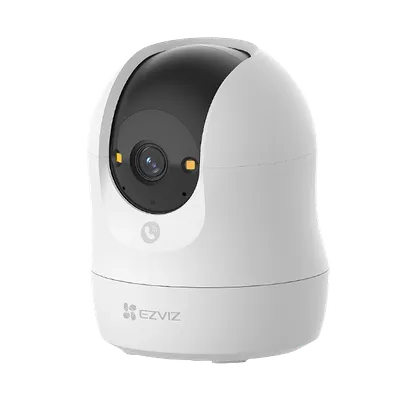
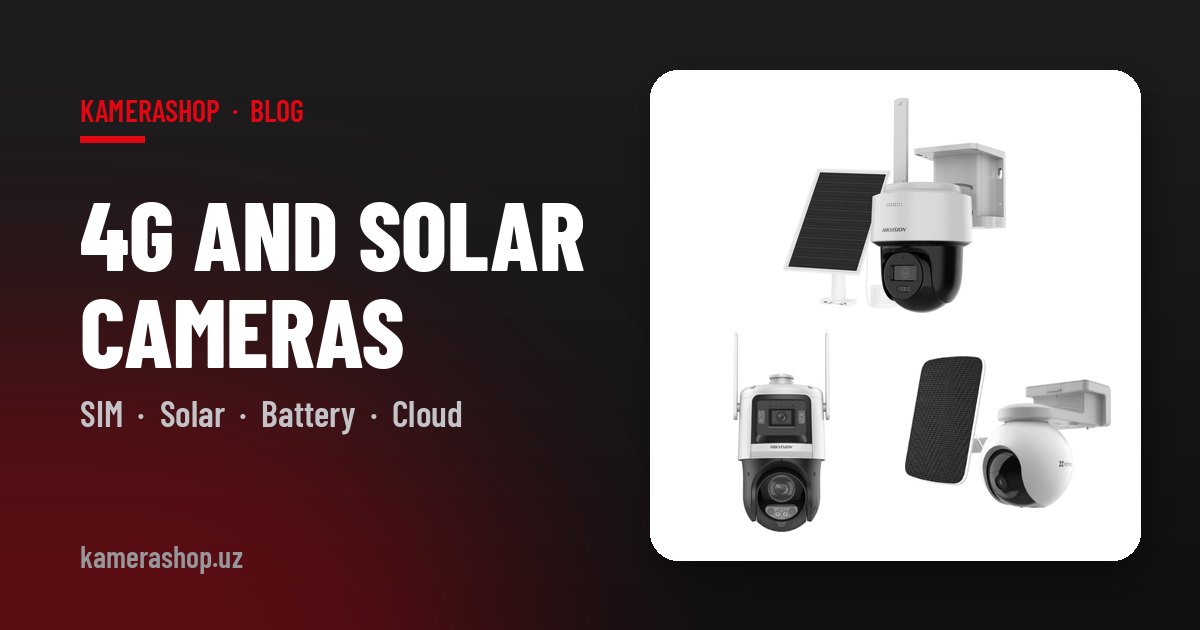
Ezviz Wi-Fi cameras (for example, the CS-C6N G1 (8MP)) use their own Ezviz app: connect the camera to Wi-Fi and scan the QR code in the app — no recorder needed. Choosing a home camera: how to choose a home security camera.
Need help choosing a camera? We'll advise you for free.
Contact us