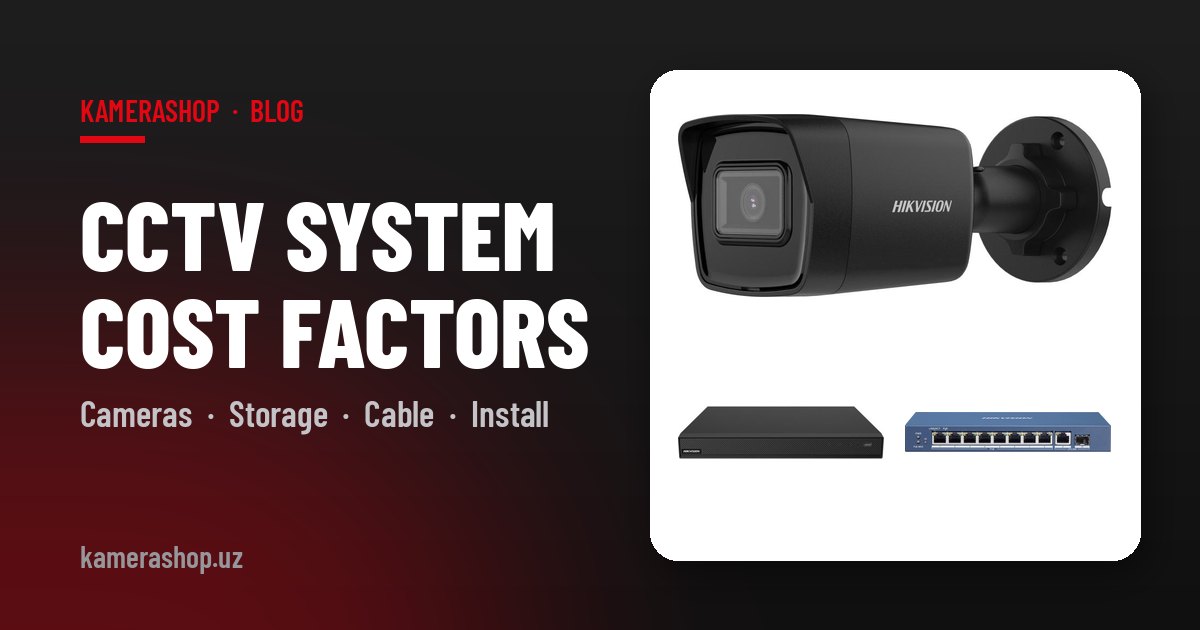
What determines the cost of a CCTV system: 7 factors
"How much does CCTV cost?" is the most common question, yet it cannot be answered without knowing the site. A flat with two cameras and a warehouse with thirty are entirely different projects. Here is what actually drives the cost of a system — so it is easier to compare quotes and avoid paying for things you do not need.
1. Number of cameras
The main factor. Every camera brings a cable, a switch port, a recorder channel and installation work with it. So place cameras for a specific job — entrance, till, gate, car park — rather than "just in case". Four well-placed cameras often do better than eight scattered ones.
2. Resolution and camera type
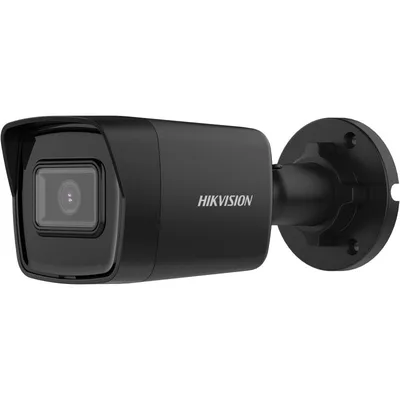
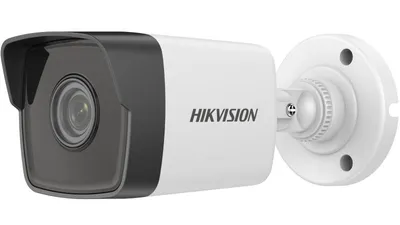
A 2 MP camera (such as the DS-2CD1023G0E-I, 1920×1080) is enough for a room or a small area; 4 MP (the DS-2CD1043G2-I, 2560×1440) suits a yard or gate. Higher resolution raises the demands on the camera, the storage and the recorder. Features matter too: colour at night (ColorVu), a microphone, telling people from vehicles. More in 2 MP, 4 MP or 8 MP.
3. IP or Turbo HD
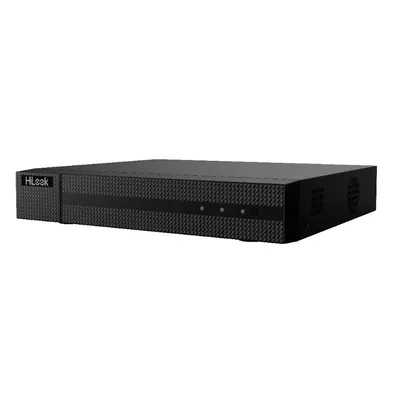
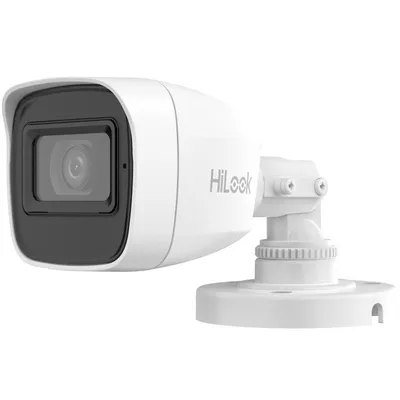
Turbo HD (analogue HD) cameras connect to a DVR over coaxial cable: the THC-B120-PS is 1080p with IR up to 25 m, IP66 and a built-in microphone. The DVR-208U-M1 has 8 analogue channels, records up to 8 MP and takes one SATA drive (up to 10 TB). Such a system is simpler and especially worthwhile in a building where old coaxial cable is still in place. An IP system offers higher resolution, smart features and room to grow. Which suits your site: IP camera or Turbo HD.
4. How many days of footage
The archive length sets the drive capacity, and the capacity sets how many bays the recorder needs. The gap between a 7-day and a 30-day archive can be several terabytes. A surveillance-grade drive (such as the WD40PURX-78, WD Purple 4 TB) is built for round-the-clock recording. To calculate: how much storage you need. Drives are in the HDD section.
5. Cable length and route
Cable is a noticeable cost that is often forgotten. Its length depends on how far the cameras are from the recorder and on how it is run: inside walls, in conduit or overhead. Outdoor cable must withstand sun and frost. Which cable you need: which cable for CCTV cameras; the range is in the cable section.
6. Switch and network
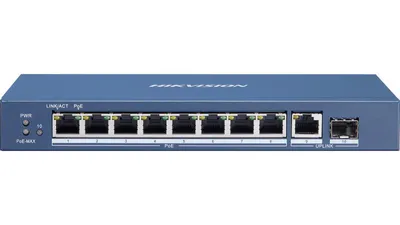
IP cameras take power over the cable from a PoE switch. The number of cameras and their power draw decide the switch: the DS-3E0510P-E/M has 8 gigabit PoE ports, a 58 W PoE budget and a fibre port. When cameras are spread across a building, you need several switches or fibre. Choosing one: how to choose a PoE switch; models are under PoE switches.
7. Installation complexity
- Height — above 4–5 metres you need a scaffold or lift.
- Wall material — concrete and brick take longer to drill than plasterboard.
- Outdoor work — running cable between buildings, along poles or underground.
- Configuration — phone viewing, notifications, access rights for staff.
How to get a price
The most accurate way is a short description of the site: how many and which areas to cover, how many days to keep footage, whether cable is already in place, plus a floor plan or a few photos. From that we select the cameras, recorder, drive, switch and cable and quote the complete kit. Press "Request price" or give us a call — our specialist will suggest an option that fits your site.