How to choose a DVR: a recorder for Turbo HD cameras
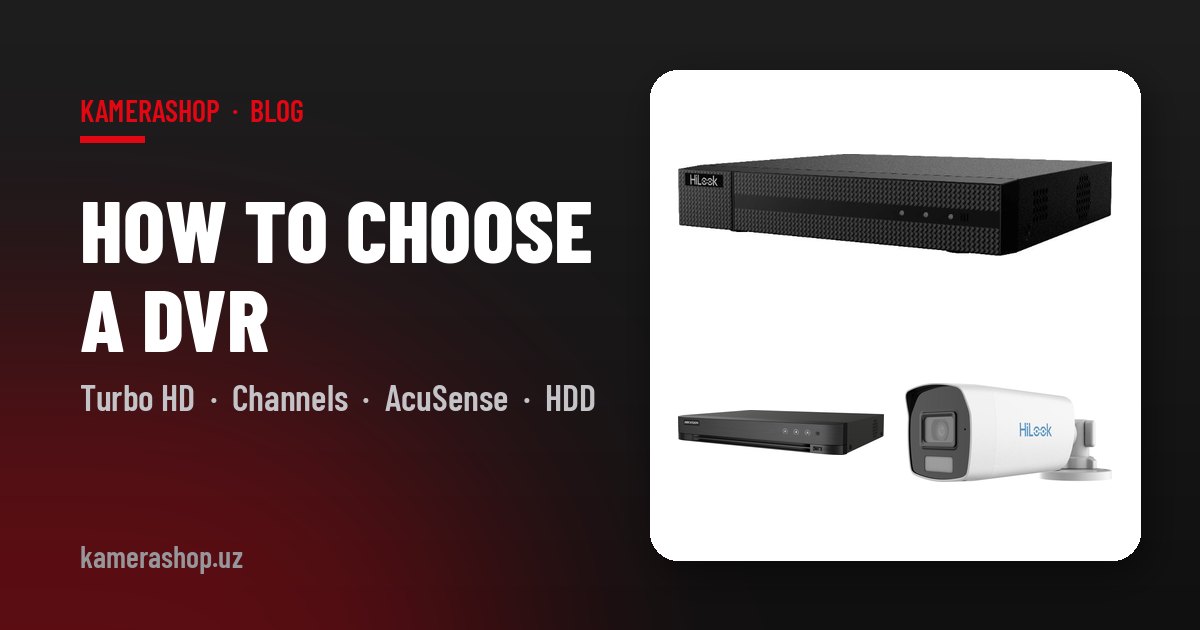
A DVR (Digital Video Recorder) records analogue cameras connected over coaxial cable. Hikvision calls this technology Turbo HD (HD-TVI): the camera uses ordinary coaxial cable like an old "analogue" one, but delivers HD resolution and above. DVRs are still a common choice when upgrading an old system or equipping a small site with a simpler setup. Here are the main things to check.
DVR or NVR: decide this first
A DVR works only with coaxial Turbo HD cameras; an NVR works with IP cameras on network cable. If the building already has coaxial cable, or you are replacing old analogue cameras, a DVR lets you upgrade without re-cabling. On a new site an IP system is often the better choice. The differences in detail: IP camera or Turbo HD; for IP recorders see how to choose an NVR.
1. Number of channels
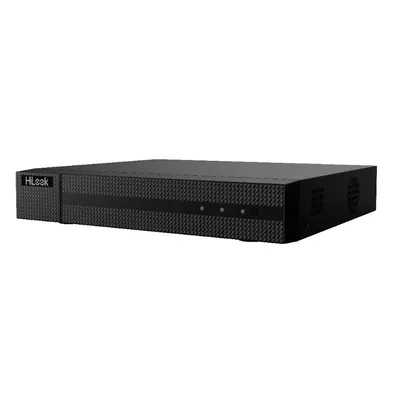
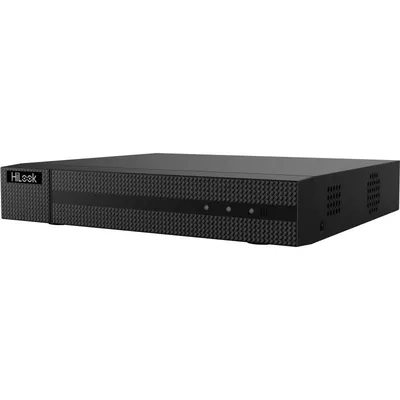
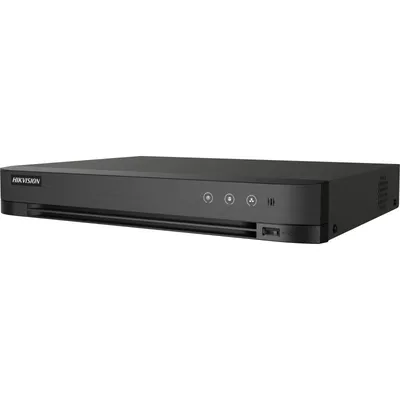
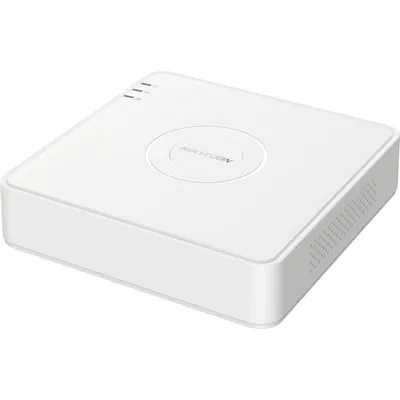
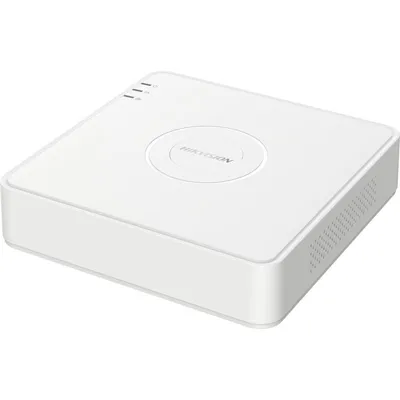
One channel is one camera. DVRs usually come with 4, 8 or 16 channels. Add one or two spare channels to your current camera count: 4 channels for 3 cameras, 8 channels for 6. For example, the DVR-204U-K1 and DS-7104HGHI-M1 have 4 channels; the DVR-208U-M1, IDS-7108HQHI-M1/S and iDS-7208HQHI-M1/S have 8.
2. Recording resolution — the key criterion
If the recorder records at a lower resolution than the camera, a good camera is wasted. So check the resolution in the DVR's name:
- 720p class — DS-7104HGHI-M1, DS-7108HGHI-M1: an entry-level option for simple cameras up to 2 MP;
- 1080p — IDS-7108HQHI-M1/S, iDS-7208HQHI-M1/S: 2 MP cameras are recorded at full resolution;
- 5 MP — DVR-208U-M1: for 5 MP cameras such as the DS-2CE16H0T-ITPF.
The rule is simple: the DVR's resolution should be no lower than that of your best camera. More on camera resolution: 2 MP, 4 MP or 8 MP.
3. AcuSense: motion detection without false alarms
Basic motion detection triggers on branches, rain and cats, flooding your phone with notifications. Recorders whose names start with iDS and carry the AcuSense label (IDS-7108HQHI-M1/S, iDS-7208HQHI-M1/S) tell people and vehicles apart from other movement. You get fewer alerts and find events in the archive faster — especially useful for shops, warehouses and yards.
4. Hybrid mode and audio
Most Turbo HD recorders accept a few IP cameras alongside coaxial ones (hybrid mode). This makes a gradual move to IP easy: old cameras keep working, and IP cameras go into new positions. Check the model's specifications for how many IP channels can be added.
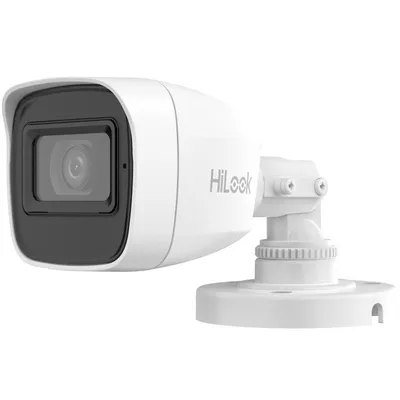
If you need audio (a till, a reception desk), pick a camera with a microphone, such as the THC-B120-PS. These cameras send audio over the same coaxial cable, so no extra wire is needed; the recorder must support audio over coax too.
5. Hard drive
Compact "Mini 1U" recorders usually have a single drive bay. How many days the archive holds depends on drive capacity, camera count and resolution. How to calculate it: how much storage CCTV needs. Surveillance drives (for example, the WD20PURX-78) are in the HDD section. An ordinary desktop drive is not designed for round-the-clock recording.
Cable and cameras
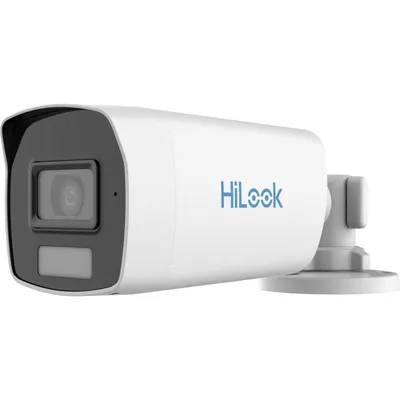
A Turbo HD camera connects with coaxial cable (such as RG-59) plus a separate power wire; a combined cable with both in one jacket is common. Choosing cable: which cable cameras need. For colour images at night choose a ColorVu camera, such as the THC-B229-LS with smart hybrid light — see IR vs ColorVu.
Summary
| Task | Recommendation |
|---|---|
| Home, 2–4 simple cameras | DVR-204U-K1 or DS-7104HGHI-M1 |
| Shop, eight 2 MP cameras, few false alarms | IDS-7108HQHI-M1/S |
| Warehouse, eight 2 MP cameras, AcuSense | iDS-7208HQHI-M1/S |
| 5 MP cameras, 8 channels | DVR-208U-M1 |
All recorders are in the DVR section, cameras in Turbo HD cameras. Send us your camera count and layout and we will match a recorder and drive.